
You need a Social Insurance Number to work in Canada and to get government programs and benefits. If you are new to Canada, turning 16, or helping a child apply, knowing how to apply for a social insurance number is one of the first steps.
At Friendship House in Brantford, we meet neighbours who are rebuilding their paperwork or settling into a new country. We do not issue ID, but this guide explains the process in plain language.
Quick answer
How do I apply for a Social Insurance Number?
Apply online, by mail or in person with Service Canada. There is no fee to apply. You need digital copies of valid original documents, such as a primary identity document, in English or French. If you apply in person and everything is in order, you get your SIN during your visit.
What a SIN is
According to Service Canada (opens in a new tab), a Social Insurance Number, or SIN, is a 9-digit number you need to work in Canada or to get government programs and benefits.
Your SIN is private. Service Canada says it is illegal for anyone else to use it, and you are responsible for protecting it.

Who needs a SIN
- Anyone who wants to work in Canada
- People applying for government benefits, such as the Canada Child Benefit or Old Age Security
- Newcomers, including permanent residents and temporary residents with permission to work
- Parents applying for benefits for a child
Service Canada has separate application steps for Canadian citizens and permanent residents, and for temporary residents.
Three ways to apply
| Way to apply | Good to know |
|---|---|
| Online | Service Canada recommends it for faster processing |
| By mail | Sent to the Social Insurance Registration Office; Service Canada is not responsible for documents lost in the mail |
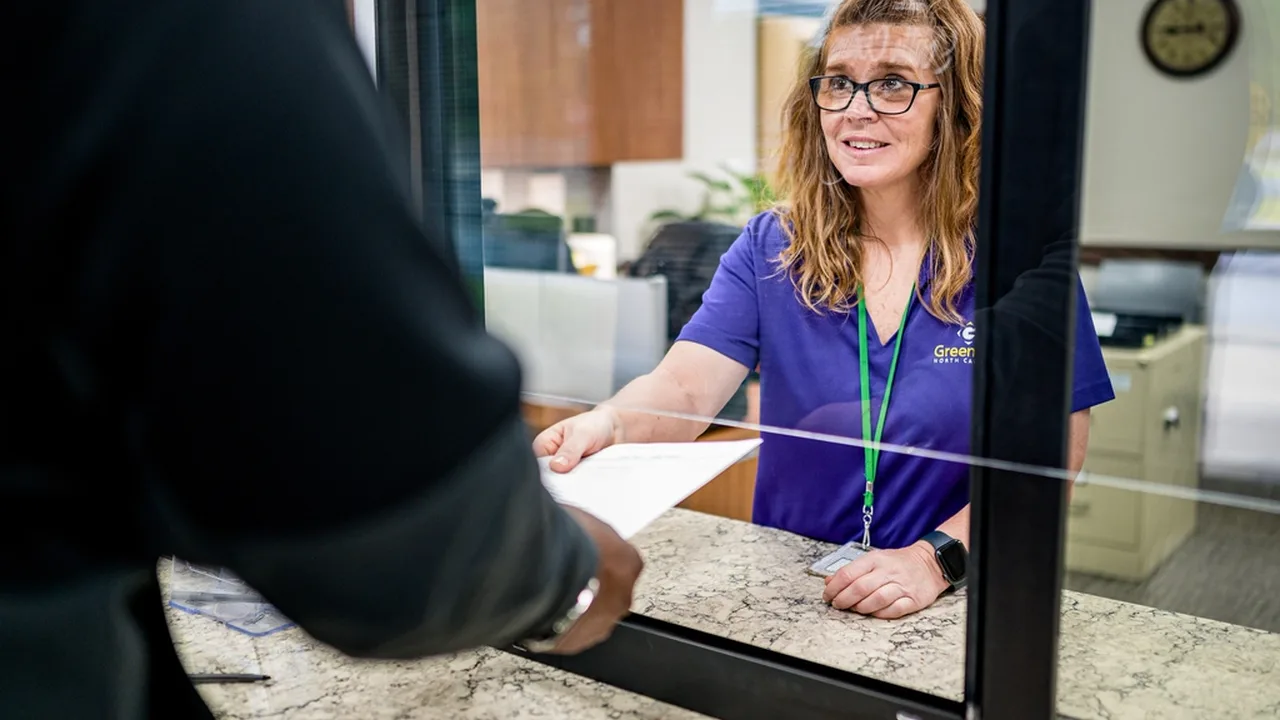
| In person | Book through the online service request form; if everything is in order, you get your SIN during the visit |
There is no fee to apply for a SIN. Be wary of any website or person who asks you to pay for a SIN application.

What you need
Service Canada says documents must be valid, original documents, provided as digital copies when you apply online, and in English or French. In general, you need:
- a primary identity document, such as a birth certificate or immigration document
- a secondary government-issued ID, in some situations
- a completed and signed application form, if you apply by mail
The exact list depends on your status in Canada and whether you are applying for yourself, a child or someone else. Check the Service Canada page for your situation before you apply.
If you are a temporary resident
If you are a temporary resident, your SIN starts with the number 9 and expires when your immigration documents expire. Service Canada explains how to extend a SIN that is about to expire or has expired.
Keep your immigration documents up to date, and extend your SIN as soon as you get new ones, so your work and benefits are not interrupted.

No more plastic SIN cards
Service Canada no longer issues plastic SIN cards, although old plastic cards can still be used. If yours is lost or damaged, you can request a Confirmation of SIN letter.
If you know your number but cannot find it, Service Canada says it may be on your income tax return, a tax slip such as a T4, a Record of Employment or an RRSP contribution receipt. You can also see it in My Service Canada Account.
Applying for a child
Parents can apply for a SIN for their children. Service Canada lists the documents needed when you apply for someone else, such as a child.
Before you go in person
- Book your appointment through Service Canada’s online service request form.
- Bring the original documents listed for your situation, not photocopies.
- Bring a second piece of ID if you have one.
- Arrive a little early and bring a pen.
- Write down any reference number you are given.
If your documents are in another language, ask Service Canada what translations are accepted before your visit, so you do not need to come back.
When to give out your SIN
Employers need your SIN to set up your pay, and government programs use it to process your benefits.
Many other places, such as stores, landlords or apps, do not need it. If you are asked and are unsure, ask why they need it and whether you can give something else instead.
Protect your SIN
- Only share your SIN when it is required, such as with an employer or a government program.
- Keep your SIN letter at home, not in your wallet.
- Never give your SIN to someone who calls or messages you unexpectedly.
- Shred old papers that show your SIN.
Our guide on how to spot a scam (opens in a new tab) explains warning signs, and our guide on how to replace lost ID in Ontario (opens in a new tab) covers other documents.

Keep your information current
Your SIN record should match your current legal name and status. Keeping it accurate avoids problems with your pay, taxes and benefits later. If your name changes, for example after marriage, or your immigration status changes, contact Service Canada to update your record.
For temporary residents, this matters even more, because a SIN that starts with 9 expires with your immigration documents. Update it as soon as you receive new documents so your pay and benefits are not delayed.
If you think your SIN was misused
Service Canada has a page on SIN fraud and data breaches. If you think someone used your SIN, contact Service Canada, report it to the police and to the Canadian Anti-Fraud Centre, and watch your bank and credit accounts closely.
Help for newcomers
If you are new to Brantford, our guide on how to welcome newcomers to your community (opens in a new tab) lists local supports. Once you have your SIN, you may be able to apply for benefits such as the Canada Child Benefit (opens in a new tab).

Free help in Brantford
Friendship House at 452 Grey Street serves coffee, tea and a light breakfast from 8 a.m. and a hot meal Monday to Thursday, 10 to 11 a.m., and runs the Food Bank on Wednesdays (opens in a new tab). Everything is free and open to everyone.
Frequently asked questions
How do I apply for a Social Insurance Number?
Apply online, by mail or in person with Service Canada. Service Canada recommends applying online for faster processing.
Does it cost money to get a SIN?
No. There is no fee to apply for a SIN.
Can I get my SIN the same day?
If you apply in person and your application is in order, Service Canada says you get your SIN during your visit.
What if I lost my SIN card?
Service Canada no longer issues plastic cards. You can request a Confirmation of SIN letter, or find your number on a tax return, T4 slip or in My Service Canada Account.
Why does my SIN start with 9?
SINs that start with 9 are issued to temporary residents and expire with their immigration documents.
Your SIN opens the door to work and benefits in Canada. Apply when you need it, keep it private, and visit our free services at Friendship House (opens in a new tab) for help with the basics.